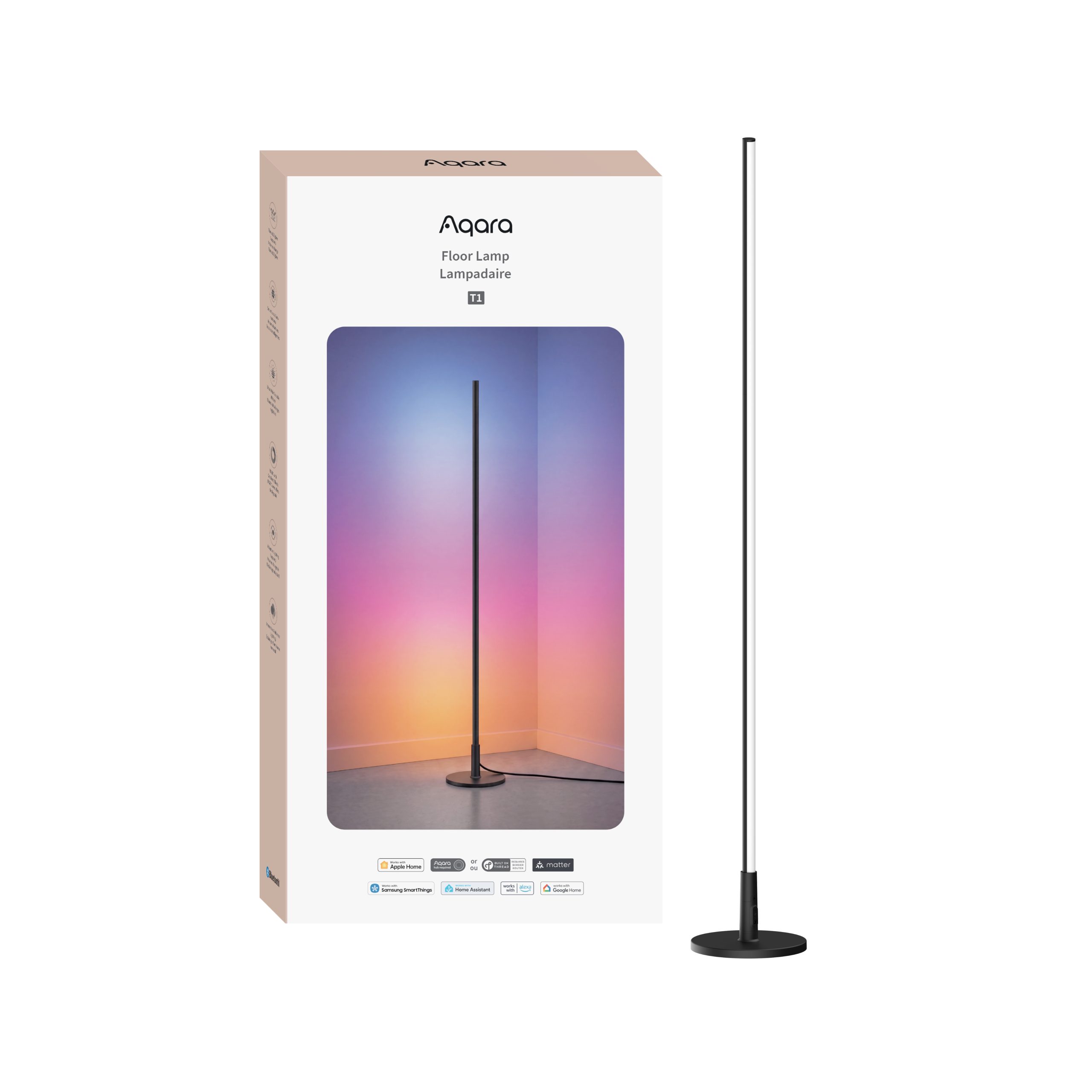
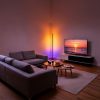
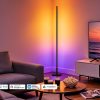
Aqara Floor Lamp T1
Shop the Aqara Floor Lamp T1 smart floor lamp with vibrant RGB lighting, Matter over Thread, Apple Adaptive Lighting and music sync for immersive ambience.
£99.98 inc VAT
Compatibility
Aqara Floor Lamp T1 is compatible with the following systems:







EAN / Barcode: 6978350354798


Description
Aqara Floor Lamp T1
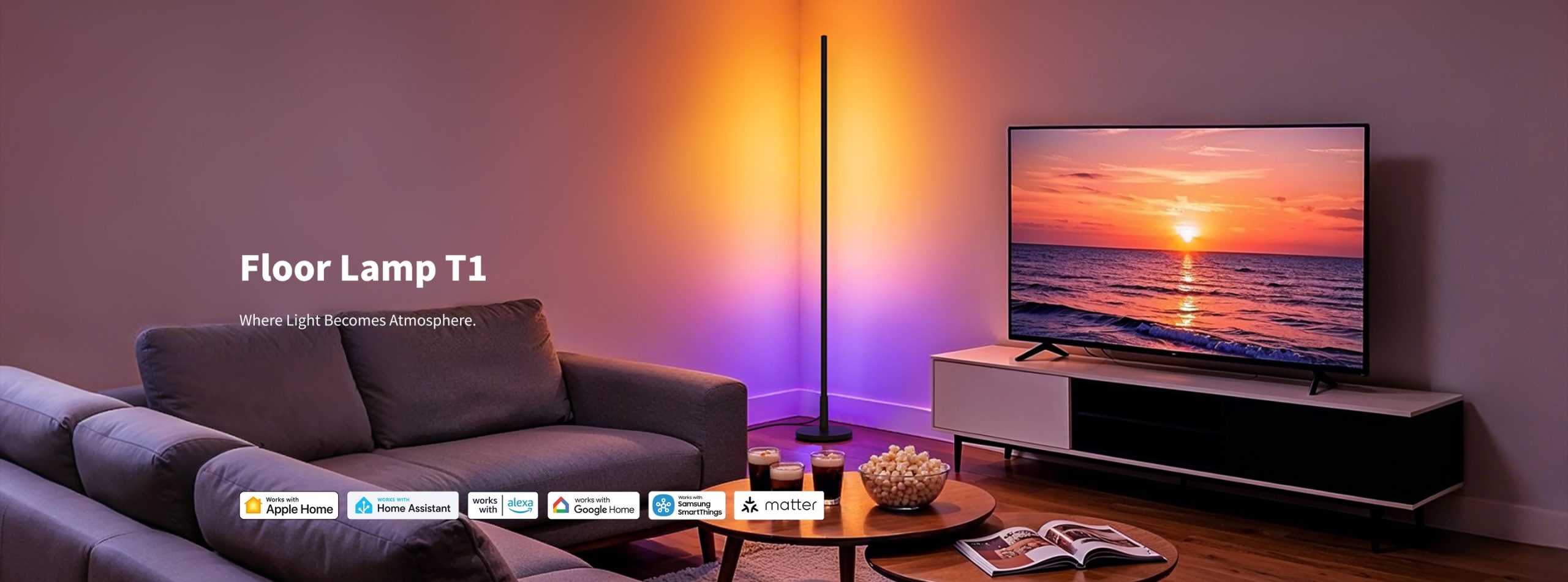
Where Light Becomes Atmosphere
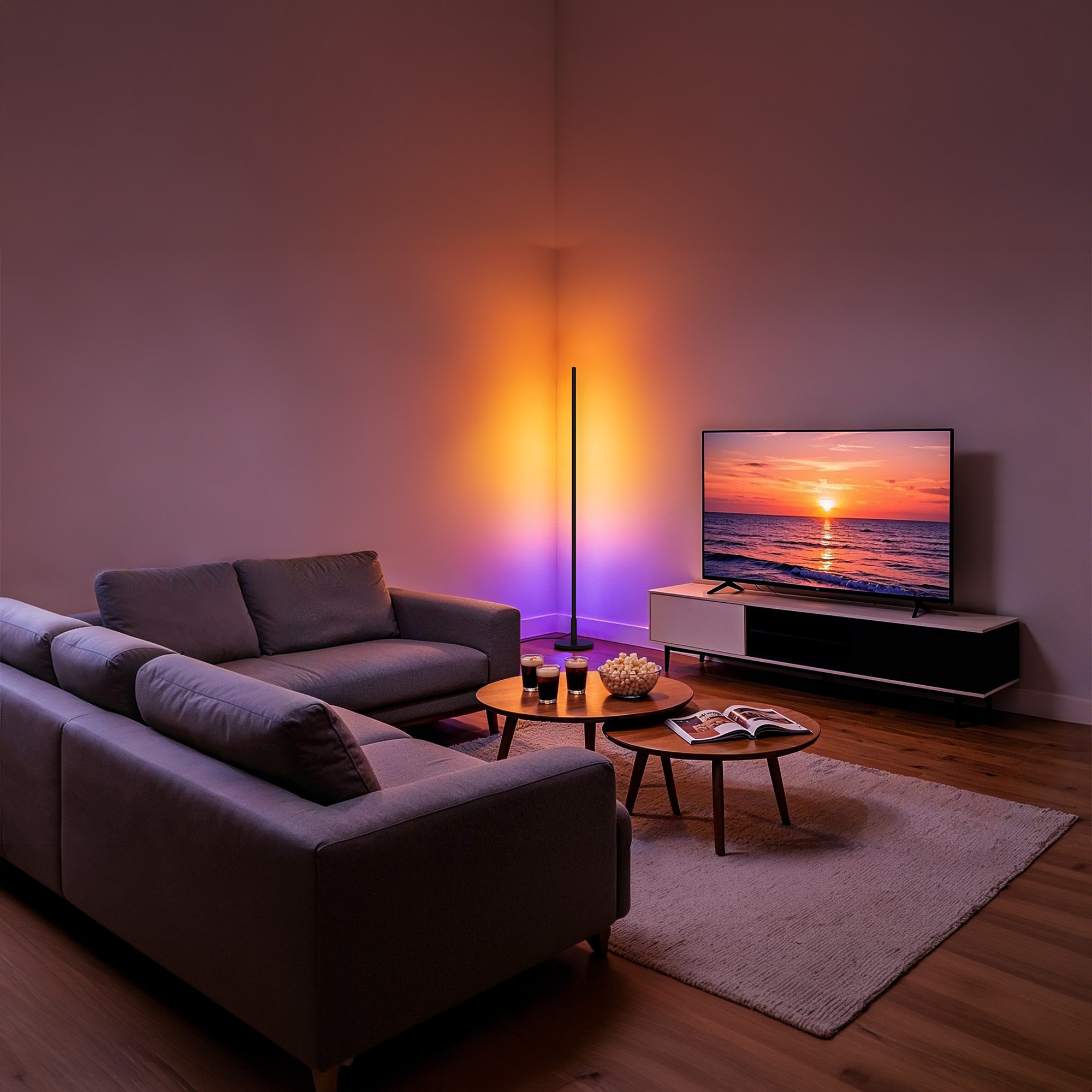
Turn any wall into a canvas of light with the Aqara Floor Lamp T1. The slim ⌀200 × 1420 mm freestanding design delivers up to 1000 lumens of indirect wall-wash ambience, while addressable RGBCW LEDs cover an ultra-wide 2000K–9000K range and CRI Ra > 90 for true-to-life colors. With Matter over Thread + Zigbee dual-protocol connectivity, Apple Adaptive Lighting, AI Scene Lighting Assistant, and built-in music sync, the T1 creates big-room atmosphere without a complicated installation. ~easy 3-minute assembly reported by beta testers.
Aqara Floor Lamp T1 Features:
- Dual-Protocol Connection: Matter over Thread & Zigbee: Choose the protocol that fits your smart home. Matter over Thread connects the device across all Matter-supported ecosystems, while Zigbee offers reliable performance and easy integration with existing Smart Home setups. Thread provides stability and Apple Home provides fast response; Zigbee unlocks deeper Aqara Home automations.
- Works with Apple Adaptive Lighting: Enjoy Apple’s wellness feature “Adaptive Lighting,” which follows the natural rhythm of the sun to support better sleep and mental well-being. The floor lamp T1 automatically tunes its white color temperature throughout the day to match daylight, no manual adjustment required. *A Thread-enabled Apple home hub is required.
- Customised and Built-In Lighting Effects: Instantly personalise your space with a growing collection of preset scenes for holidays and everyday moods, dynamic multi-colour effects across addressable segments thanks to the new 16-bit 5-channel chip, AI colour extraction from your own photos, and real-time music syncing with a built-in microphone. Brings presets, dynamic flowing effects, colour gradients, music sync, and mood-based scenes into one creation system.
- Immersive Home Ambience + Flexible AI-Enhanced Lighting Control: Create an immersive ambience through your entire home. Natural-language scene creation coordinates the floor lamp with other Aqara lights via the Scene Lighting Assistant, and you can control lights through voice commands, Seamless Aqara Smart Ecosystem Integration .
- From Natural Light to Bold Colours: Addressable RGBCW lighting shows multiple colours along the lamp at once, offering more expressive gradients than non-addressable or dual-zone designs. Ultra-wide 2000K–9000K tunable white with smooth dimming, up to 1000 lumens, and a high color rendering index of Ra > 90, providing both ambient and functional illumination for living rooms, bedrooms, studies, and home theater areas.
- Turn Any Wall into a Canvas of Light: A 1420 mm side-emitting light surface washes the wall vertically, turning reflected light into a broad, continuous layer of ambience. Unlike wall-mounted fixtures or fixed light strips, the freestanding lamp requires no drilling or permanent mounting; beta testers report ~easy 3-minute assembly, with materials that feel higher-end than competing floor lamps.
Vivid colours, tunable whites and fluid effects turn any corner into an immersive expression of your mood.


Vividly Brighten Your Home with Aqara Smart Lights
Bring your lights alive with Aqara sensors, cameras, door locks and more. Creating the right atmosphere for every moment.


Dual-Protocol Connection Matter over Thread & Zigbee
Connect to Any Matter Hub You Already Use
Choose the protocol that fits your smart home. Matter over Thread connects the device across all Matter-supported ecosystems, while Zigbee offers reliable performance and easy integration with existing Smart Home setups.
*To access Aqara-specific features, a compatible Aqara hub (Hub M3, Hub M100, Hub M200, Camera Hub G350, Doorbell Camera Hub G410, or Camera Hub G5 Pro) running firmware version V4.5.8.0 or later is required.
*To use the device with a particular Matter ecosystem, a Matter controller of that ecosystem and a Thread Border Router are required.

Stronger Connections. Lower Power Consumption.


Customised and Built-In Lighting Effects


Customised and Built-In Lighting Effects

Preset Effects
Access an expansive library of one-tap preset configurations for major holidays like Christmas and Halloween, or everyday moods.

Static & Dynamic Effects
Lighting effects can remain still, or they can shift and move throughout the lighting segments in several different patterns.

Photo-To-Colour Palette
Use the Scene Assistant or Smart Colour Pickup to turn any picture into a custom lighting palette.

Real-Time Music Sync
Using the built-in microphone, the lights detect nearby music and respond with pulsing, dancing and colour-changing effects to create an immersive atmosphere.
Speak. Gesture. Twist. Tap. Automate.
Your Lights, Your Way.

Describe It. AI Lights It.
Share a thought, feeling or image, and let the Scene Lighting Assistant turn it into lighting magic.
From Natural Light to Bold Colours

Massive Lighting Colour Selection
2000K-9000K Ultra-Wide tunable white light can easily switch from cozy accent tones to sharp architectural or security lighting.

1000lm of Adjustable Brightness
Delivers up to 1000lm of room-filling indirect light in a slim, 24W floor-lamp format.

High Colour Rendering Index
Guarantees high quality true-colour light for daily life.

Segmented RGB+CCT Lighting Control
Combines vibrant RGB colours with tunable whites and individual segment control for dynamic, multi-colour effects.
Quick 3-Step Assembly with Included Tool Lighting
Simply join the base, poles and light head, then secure with the provided screws.

Aqara Floor Lamp T1 Automation Examples:
1. Welcome Home
Enjoy a warm and convenient welcome as soon as you arrive home. When the door is unlocked, the indoor lights turn on automatically to illuminate the entryway and main living area.
WHEN the Aqara Smart Lock is unlocked; THEN the indoor lights turn on automatically.
(Aqara Smart Lock + Floor Lamp T1 + LED Strip T2 + LED Downlight T2 + LED Bulb T2 (E14/E12) + Hub M3)
2.Movie Time Mode
Create the perfect atmosphere for watching TV. When someone is detected in front of the TV, the lights automatically adjust to a comfortable brightness for an immersive viewing experience.
WHEN the presence sensor detects someone in front of the TV; THEN the indoor lights switch to Movie Mode.
(FP400 + Floor Lamp T1 + LED Strip T2 + LED Downlight T2 + LED Bulb T2 (E14/E12) + Hub M3)
3.Nighttime Pathway Lighting
Move around safely without disturbing others. When nighttime movement is detected, the LED Strip T2 provides soft, low-level illumination to guide your way.
WHEN motion is detected at night in the bedroom or hallway; THEN the LED Strip T2 turns on at low brightness.
(Motion Sensor or FP400 + LED Strip T2 + Hub M3 + Floor Lamp T1)
4.Away Mode
Save energy and simplify your daily routine. When everyone leaves home and the door is locked, the system automatically turns off all indoor lights to make sure no lights are left on.
WHEN everyone leaves home and the Aqara Smart Lock is locked; THEN all indoor lights turn off automatically.
(Aqara Smart Lock + Floor Lamp T1 + LED Strip T2 + LED Downlight T2 + LED Bulb T2 (E14/E12) + Hub M3)
Frequently Asked Questions
What protocols does the Floor Lamp T1 support?
This device is dual-protocol and works with both Zigbee* and Thread**. Thread and Zigbee offer essentially the same features, but Mars Tech is supported only in Zigbee mode.
* To work with Aqara Home in Zigbee mode, a Zigbee hub is required. Supported hubs include the Hub M3, Hub M200 and Hub M100. For other supported hubs, please contact customer service.
** To use the device with a specific Matter ecosystem, you need that ecosystem’s Matter controller and a Thread Border Router.
Can the Floor Lamp T1 use Thread and Zigbee at the same time?
No. The device uses Zigbee by default. To use Thread, either remove the device in the Aqara Home app or press and hold the control button for 5 seconds to reset the network. Then pair the device again, tap “Switch Protocol” on the device pairing screen, select the
protocol you want and follow the in-app instructions to complete the setup. Switching protocols may take a few minutes to load. Please note that switching protocols is equivalent to restoring factory settings: all settings configured under the previous protocol will be deleted.
Can the Floor Lamp T1 be added to Apple HomeKit?
Yes. In Zigbee mode, first add the device to an Aqara hub, then add it to HomeKit through the hub. In Thread mode, you can add it to HomeKit directly by scanning the Matter code on the product itself.
How many ecosystems can the Floor Lamp T1 be added to at the same time?
This device can be added to up to 5 ecosystems at the same time.
Can the Floor Lamp T1 be used without being connected to a network?
When the floor lamp is not connected to a network, it can still be turned on and off like a regular floor lamp. However, to use app control, smart connectivity or other features, you must first connect the lamp to the network.
What does the control button do on the Floor Lamp T1?
Single press: Turn the light on or off.
Double press: Switch between quick scenes (which you can set up in the app).
Triple press: Test the effective range (the hub will play a tone).
Press and hold for 5 seconds: Reset the network.
Press 10 times in a row: Restore factory settings.
Can the individual LEDs be replaced?
The individual LEDs are not replaceable. When the LEDs reach the end of their life, the whole device should be replaced.
Are there any requirements for where the Floor Lamp T1 is placed?
Place the Floor Lamp T1 on a stable, level surface. It must not be used on a surface inclined at more than 6°.
How do I reset the Floor Lamp T1?
Remove the device in the Aqara Home app or press and hold the control button for 5 seconds. A reset only clears the network pairing. Other settings and records are kept, but saved “My Scenes” will be deleted.
How do I restore the Floor Lamp T1 to factory settings?
Press the control button 10 times in a row. Restoring factory settings returns the device to its initial state and clears all settings and data.
Is the Floor Lamp T1 waterproof?
No. It is not waterproof and is intended for use in dry indoor environments only.
Videos
Product Specifications